
Kling AI Prompt Guide
Kling AI Prompt Guide — Create Cinematic AI Videos Without Wasting Credits
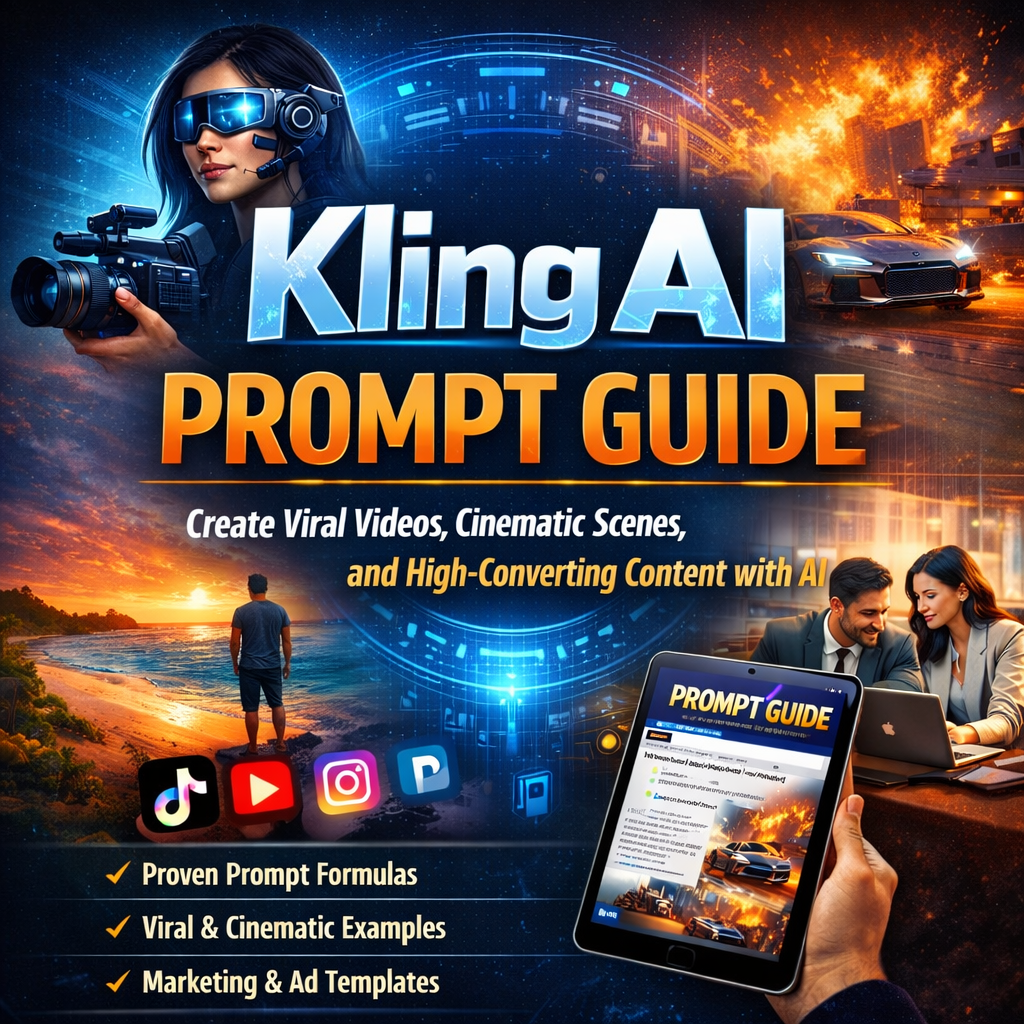
Create high-quality AI videos using the Kling AI Prompt Guide. You don’t need to guess prompts. You don’t need to waste credits. This ebook shows you exactly how to write prompts that work.
You’re Using Kling AI… But Your Prompts Are Holding You Back
You try different prompts. The results feel random. Sometimes the motion looks wrong. Sometimes the scene does not match your idea. You keep wasting credits trying to fix it. That is the problem. Not the tool.
The Kling AI Prompt Guide Gives You a Clear System
This is not theory. This is a step-by-step system you can follow. You learn how to write prompts like a director. You control motion, scenes, and outcomes. The Kling AI Prompt Guide shows you how to structure prompts for better results every time.
Get the Kling AI Prompt Guide PDF — $9.99
What You Get Inside the Kling AI Prompt Guide
A Complete Kling AI Prompt System
Kling AI Prompt Guide PDF, Kling AI prompt generator framework, ready-to-use prompt examples, image to video guidance, ChatGPT workflow, templates, and version compatibility updates.
Multi-shot and cinematic prompts
Learn how to structure stories, anchor characters, and control motion for consistent scene flow across multiple shots.
Practical ready-to-use resources
Includes prompt examples, frameworks, templates, and how-to workflows so you can apply the guide immediately.
Create Better Videos With Structured Prompts
Think in Shots, Not Guesswork
Kling works best when you describe scenes like a film director. You learn how to break prompts into shots. You control camera angles, motion, and flow. This improves quality and consistency.
Get Cinematic Results With the Right Prompt Structure
Use Subject, Action, Context, and Style
You learn how to structure prompts clearly:
- Subject
- Action
- Context
- Style
This removes guesswork and improves results fast.
Stop Wasting Credits on Bad Outputs
Write Prompts That Actually Work
Most people write vague prompts. That leads to weak results. This guide shows you how to describe motion clearly, control camera movement, maintain character consistency, and improve scene transitions. You get better output with fewer attempts.
Perfect for Image to Video and Multi-Shot Scenes
Create Consistent Storytelling
Kling supports multi-shot scenes and storytelling. You learn how to anchor characters early, maintain consistency across shots, and build sequences that flow. This helps you create full scenes, not random clips.
Use Kling AI Like a Pro Creator
Unlock Advanced Features
This guide shows you how to use reference images with @image, motion transfer techniques, AI transitions, scene extension, and video restyle. You move from basic prompts to full creative control.
This Kling AI Prompt Guide Is for You If…
- You use Kling AI and want better results
- You create AI videos for content or marketing
- You waste credits testing prompts
- You want cinematic output, not random clips
- You need a clear prompt system
This Is NOT for You If…
- You want instant results without learning
- You do not plan to use Kling AI seriously
- You are not interested in improving your outputs
Start Creating Better AI Videos Today
Simple. Clear. Effective.
Get the full Kling AI Prompt Guide now. One payment. Lifetime access.
Frequently Asked Questions
1. What is the Kling AI Prompt Guide?
The Kling AI Prompt Guide is a complete, step-by-step resource designed to help creators write effective prompts for Kling AI. It covers how to structure prompts clearly, how to describe motion, how to define scenes, and how to shape cinematic outputs so the AI delivers consistent results instead of random clips.
2. What does the Kling AI Prompt Guide PDF include?
The PDF includes organized frameworks, real prompt examples, easy-to-follow templates, image-to-video instructions, cinematic prompt strategies, and version compatibility advice. It also explains how to use these methods for marketing videos, social content, and efficient credit use.
3. How does the Kling AI prompt generator work?
The prompt generator works by following a clear structure that defines subject, action, context, and style. This system reduces ambiguity, helps Kling AI understand your intent, and produces more accurate video outputs by combining scene details, motion direction, and cinematic tone in a repeatable way.
4. Can beginners use the Kling AI Prompt Guide?
Yes, the guide is beginner-friendly and written for creators at all experience levels. It walks you through every step, from basic prompt setup to more advanced scene control, so new users can start improving results quickly without being overwhelmed by jargon.
5. What are Kling AI prompt examples and why are they important?
Kling AI prompt examples show exactly how to write prompts that produce consistent, high-quality results. They remove guesswork, illustrate the best structure for scenes and motion, and give you reusable templates for your own AI video projects.
6. How do Kling AI prompts improve video quality?
Kling AI prompts improve video quality by giving the model clear instructions for motion, camera behavior, scene composition, and stylistic tone. When prompts are specific and structured, Kling AI can generate smoother transitions, stronger storytelling, and more polished results with fewer wasted credits.
7. Can I use the guide for image-to-video projects?
Yes, the guide includes dedicated advice for image-to-video workflows. It shows how to describe visual references, guide motion, and combine image prompts with cinematic direction so Kling AI generates coherent and engaging videos.
8. Is Kling AI Prompt Guide compatible with the latest Kling AI versions?
The guide is built to work with the current Kling AI ecosystem, and it explains how to adapt prompts as platform updates arrive. It focuses on universal prompt structure and techniques that remain effective across version changes.
9. How does the guide help reduce wasted credits?
The guide helps reduce wasted credits by teaching you how to write precise prompts that work the first time. It avoids vague or conflicting instructions, so Kling AI spends fewer resources on trial-and-error outputs.
10. Does the guide cover cinematic scene structure?
Yes, the guide teaches cinematic scene structure, including how to frame subjects, stage action, and guide the viewer through each shot. It helps you build prompts that feel like part of a story instead of a random clip.
11. Can I use the guide for marketing and social media videos?
Absolutely. The Kling AI Prompt Guide includes tips for creating marketing and social content with stronger narrative focus, clearer branding, and better audience engagement through more polished AI-generated visuals.
12. Does it teach multi-shot and character continuity prompts?
Yes, the guide covers multi-shot scenes and character continuity. It shows how to anchor characters early, maintain consistent descriptions, and guide the AI across multiple shots so the sequence feels unified.
13. How long does it take to learn the Kling AI prompt system?
The guide is designed for rapid learning, with practical examples you can apply immediately. Most users can start writing better Kling AI prompts within a session, and the system becomes faster with practice.
14. Will the guide work with both beginners and advanced users?
Yes, it works for both. Beginners get clear step-by-step direction, while advanced users can use the deeper structure and templates to refine their creative process and produce more sophisticated videos.
15. Can I adapt Kling AI prompts for different visual styles?
Yes, the guide explains how to modify prompts for different visual tones, lighting, and cinematic styles. You learn how to keep the same structure while choosing the right descriptive language for mood and style.
16. Does the guide include ready-to-use prompts I can copy?
Yes, it includes ready-to-use prompts and fill-in templates that let you start creating immediately. This helps you save time and avoid guesswork while still customizing prompts for your own projects.
17. What is the best way to use Kling AI prompt templates?
The best way is to customize the templates for your subject, action, context, and style. The guide shows how to adapt each template to your concept while keeping the structure that makes Kling AI understand your intent.
18. Does the guide explain how to control camera and motion?
Yes, it explains how to describe camera behavior, motion direction, and transitions in your prompts. This helps Kling AI deliver clearer action and more cinematic movement in your videos.
19. Are there troubleshooting tips for common Kling AI prompt errors?
The guide includes practical troubleshooting tips for common prompt mistakes, like vague scene descriptions, conflicting instructions, and poor motion direction. These tips help you fix problems quickly and improve your results.
20. Do I need the Kling AI Prompt Guide to create professional AI videos?
The guide is not required, but it makes professional AI video creation much faster and more predictable. It gives you the structure, examples, and templates needed to produce polished Kling AI results with less guesswork.